Get marketing insights first
Subscribe for actionable strategies, growth tips and useful industry insights, delivered straight to your inbox.
Jira Service Management × Construction
A practical operating blueprint for turning defects, RFIs, safety incidents, approvals, breakdowns and handover requests into visible, accountable, SLA-driven work.
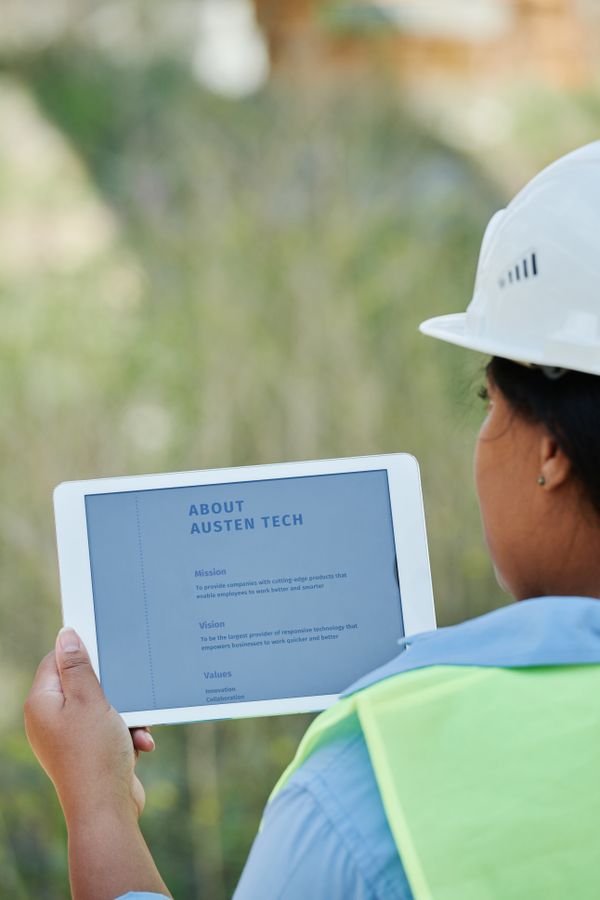
The brief
Jira Service Management works best here as the front door and governance layer—not as a replacement for scheduling, BIM, cost control or document management.
Give every request a clear owner, a visible clock, an auditable decision trail and an agreed definition of done.
Request types use field language—“Report a site defect” or “Request a permit”—instead of system jargon.
Location, discipline, trade, severity, evidence and due dates give agents enough context to act without chasing basics.
Queues, approvals and status gates mirror the real construction process while preserving accountability.
SLAs and dashboards expose ageing work, bottlenecks, repeat defects and emerging risk before the weekly meeting.
The operating model
The portal is only the beginning. Value appears when the request moves through a dependable path from evidence to verified closure.
A focused form records the right facts and supporting evidence.
Queues sort by project, trade, risk, critical path and response clock.
Ownership, approvals and notifications pull the right parties into the work.
Inspection evidence and sign-off prevent “resolved” from becoming “forgotten”.
Dashboards reveal delay patterns, repeat issues and systemic corrective actions.
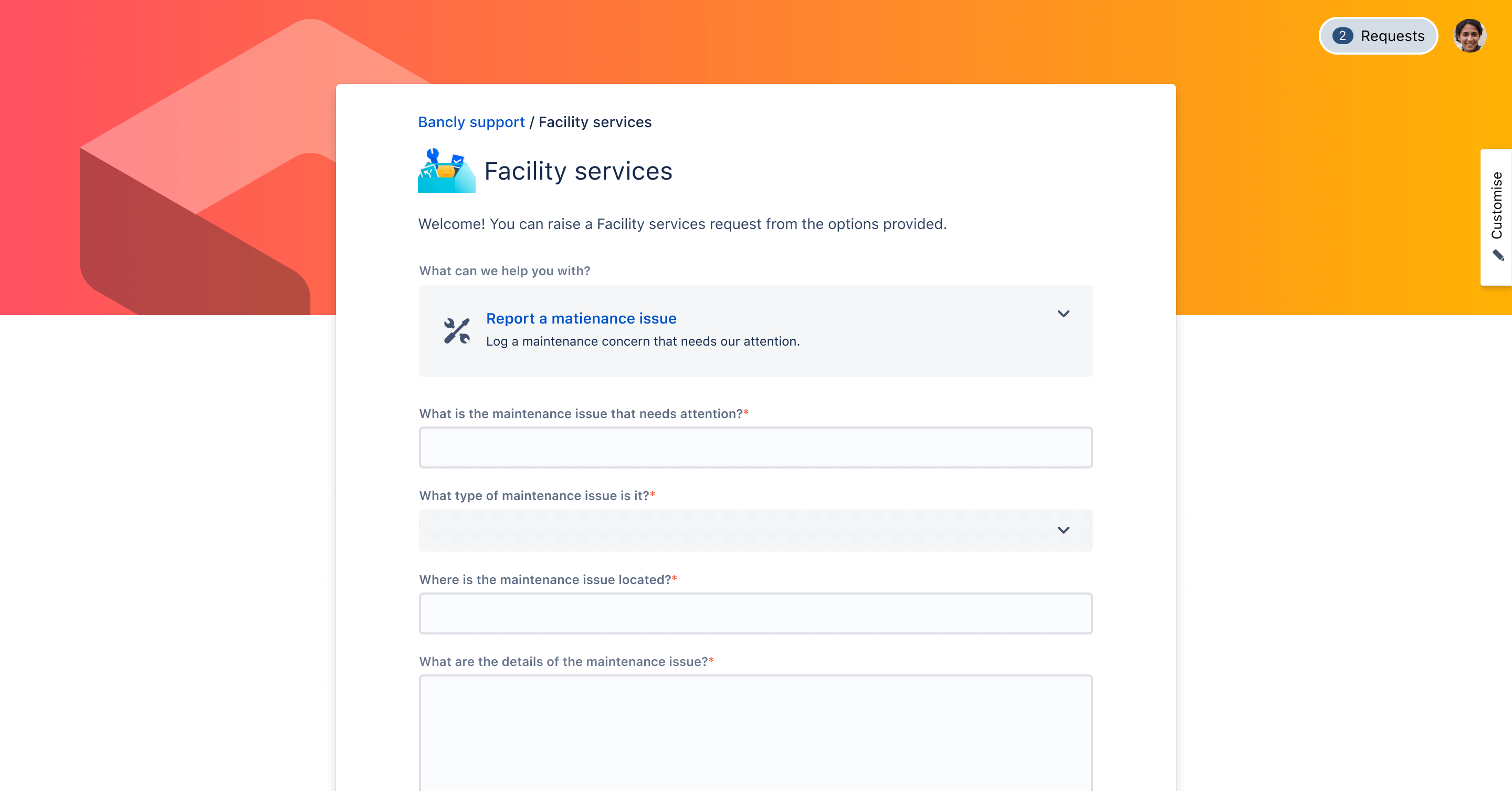
The request catalog
Each pathway pairs a plain-language portal request with a fit-for-purpose work type, minimum workflow and response promise.
Capture non-conforming work with exact location, responsible trade, severity, drawing reference and mandatory photo evidence.
Link the technical question to its drawing revision, discipline, required-by date and potential cost or schedule impact.
Control scope, cost and program changes with impact assessment, conditional approvals, instruction evidence and reconciliation.
Prioritise immediate action, risk rating, witnesses, regulatory notification, root cause and verified corrective action.
Move beyond the failed item to containment, root cause, corrective action, preventive action and proof of closure.
Track substitutions, submittal questions and lead-time blockers against the affected package and critical-path decision date.
Connect the work window, permit class, SWMS or risk assessment, safety approver and handback confirmation.
Reduce downtime with an asset ID, live location, maintenance owner, repair ETA, test result and returned-to-service gate.
Give clients a focused channel for defects and warranty claims, with contractor responsibility and client verification built in.
Carry the model into operations for HVAC, electrical, plumbing, cleaning, moves and event requests from occupants.

Safety and quality
Critical work should not wait for someone to notice a queue. Use risk-driven fields and automation to make escalation part of the operating design.
Make location and evidence unavoidable. Mobile-friendly forms should capture the exact zone and a photo before submission.
Start the clock from the risk rating. Critical hazards route immediately to the HSE manager; routine items keep a visible 48-hour target.
Separate “actioned” from “verified”. Closure requires inspection evidence and an accountable sign-off, not only a status change.
Operational intelligence
Different audiences need different views. Site teams act on ageing work; functional leads improve flow; executives watch exposure across projects.
Illustrative values shown for layout purposes; use live Jira filters and SLA data in production.
Open defects by trade and age, overdue RFIs, permits awaiting approval and active plant breakdowns.
Average response time, ageing bands, responsible consultant and potential schedule impact.
Logged versus closed, density by zone, repeat issues by trade and average close time.
Open actions by risk, overdue corrective work, closure rate and recurring hazard categories.
Pending value, approval-gate age, cumulative cost impact and projected program effect.
Critical open items, SLA breach rate by project and cross-project financial exposure.
Architecture decision
At scale, separate domains create cleaner permission boundaries, workflows, queues and SLA policies without multiplying administration for every project.
| Service project | Request types |
|---|---|
| Construction Delivery | RFIs, design changes and variations, procurement and material queries. |
| Site Safety & Quality | Hazards and incidents, quality NCRs, inspection failures and permits-to-work. |
| Client & Defects | Site defects, punch-list items, handover issues and DLP requests. |
| Facilities Maintenance | Post-completion maintenance, occupant requests, moves and event support. |
Start smaller when the organisation is smaller. A single project is a sensible pilot for one site and one team. Split by domain when volumes, permissions and workflow differences make the boundaries valuable.
A practical start
Prove the operating model with the highest-value pathways, then expand once the data and team habits are trustworthy.
Use the service desk to make ownership, urgency and evidence visible from first report to verified close-out.
This field guide is an editorial adaptation of the supplied “Jira Service Management for Construction – Detailed Use-case” study. SLA examples should be calibrated to each organisation’s contracts, risk framework, working calendar and escalation policy.
Photography: Mikael Blomkvist / Pexels and wal_172619 / Pexels . Product interface image: Atlassian .
Jira, Jira Service Management and Atlassian are trademarks of Atlassian. This independent use-case study is not sponsored by or affiliated with Atlassian.
Practical ideas for connected customer journeys, digital systems and better work across APAC.