Get marketing insights first
Subscribe for actionable strategies, growth tips and useful industry insights, delivered straight to your inbox.
Jira risk register for construction
A practical blueprint for building a living construction risk register in Jira—connecting uncertainty, named ownership, treatment action and executive visibility before cost or schedule exposure materializes.
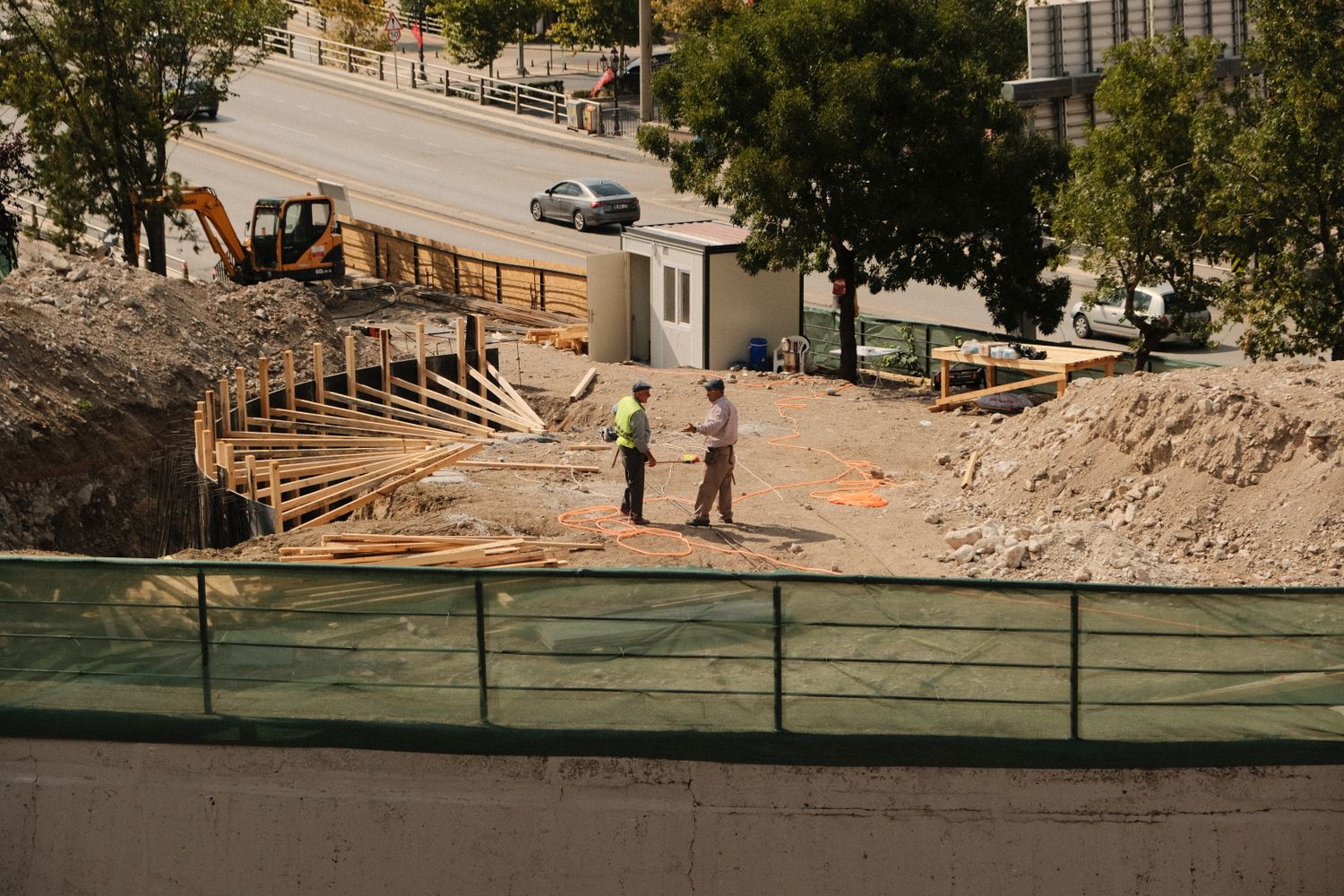
Jira should preserve the line between anticipation and response while keeping both sides traceable.
An uncertain event that could affect cost, schedule, quality, safety or project objectives.
A defect, NCR, incident or change that now requires operational response and verified closure.
When a risk materializes, create and link the operational issue. Do not convert or overwrite the original risk record—the comparison between forecast and outcome is valuable evidence.
The risk record
A useful register is more than a red–amber–green list. Its fields must support a clear risk statement, defensible prioritization and accountable treatment.
Probability × impact
| Probability | 1 · Negligible | 2 · Minor | 3 · Moderate | 4 · Major | 5 · Severe |
|---|---|---|---|---|---|
| 5 · Almost certain | 5 | 10 | 15 | 20 | 25 |
| 4 · Likely | 4 | 8 | 12 | 16 | 20 |
| 3 · Possible | 3 | 6 | 9 | 12 | 15 |
| 2 · Unlikely | 2 | 4 | 6 | 8 | 10 |
| 1 · Rare | 1 | 2 | 3 | 4 | 5 |
Illustrative bands based on the supplied study. Calibrate thresholds to the organisation’s risk appetite, contract and assurance model.
The operating workflow
A generic To Do / In Progress / Done flow hides the decisions that matter. The status model should show how understanding, treatment and residual exposure are changing.
Capture cause, possible event, consequence and initial owner.
Score probability and multi-dimensional impact.
Compare the rating with appetite and escalation thresholds.
Select the response and approve actions, dates and contingency.
Execute linked mitigation tasks and remove blockers.
Reassess residual risk and watch the trigger point.
Record the decision, approval and final residual position.
Preserve the risk and create a linked operational issue.
Automation can create and link the relevant Jira Software change, JSM defect/NCR or safety incident while retaining the original forecast, owner, trigger and treatment history.
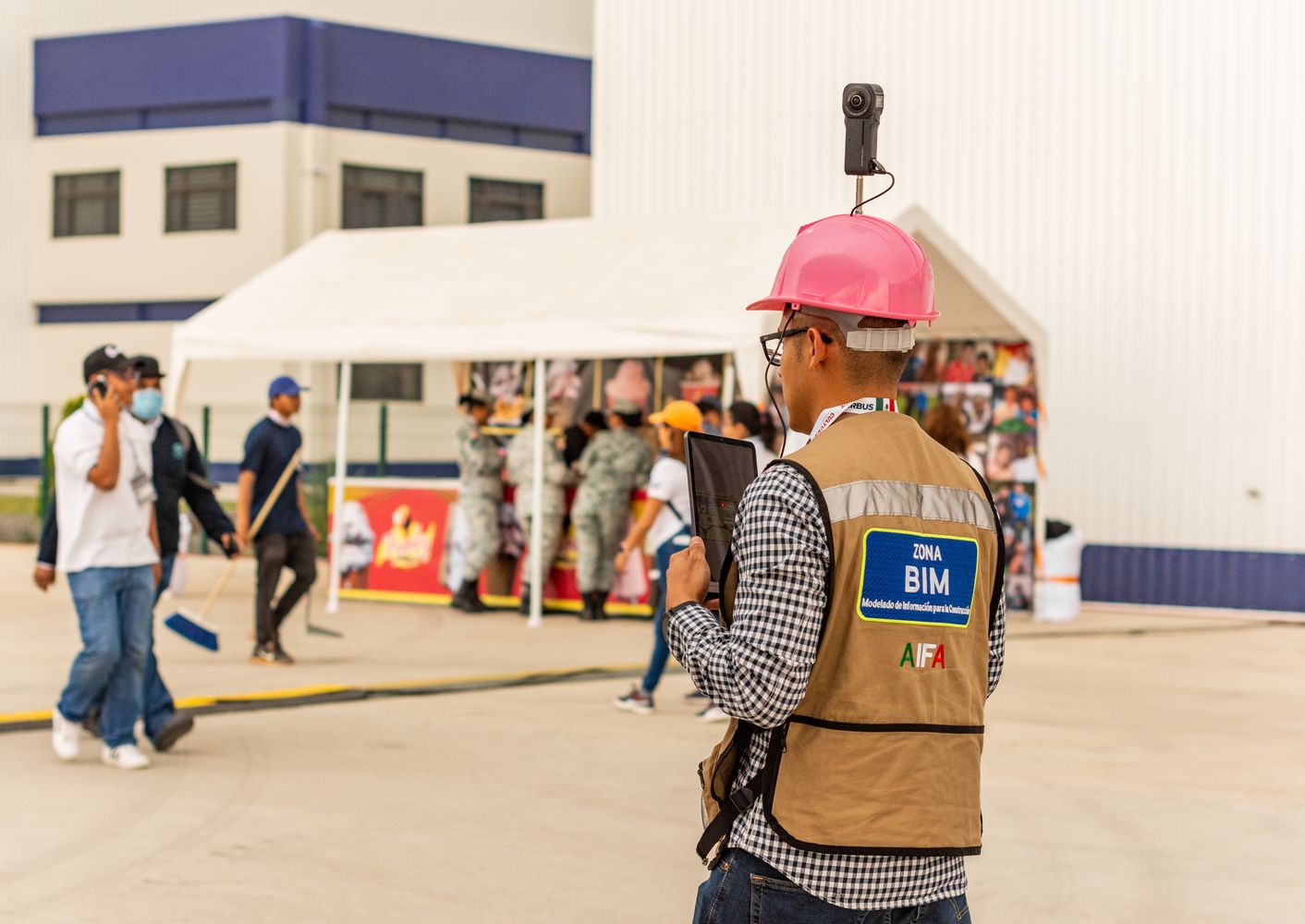
Monitoring and review
Risk information decays. Review dates, reminders and named owners turn the register into a working control rather than a one-time workshop record.
Give the owner enough time to reassess the trigger, probability, impact and treatment progress.
Surface entries that have exceeded the agreed cadence—often 30 days for active project risks.
Route overdue high-rated items to the project manager or risk coordinator automatically.
Show whether treatment is actually reducing probability, impact or total portfolio exposure.
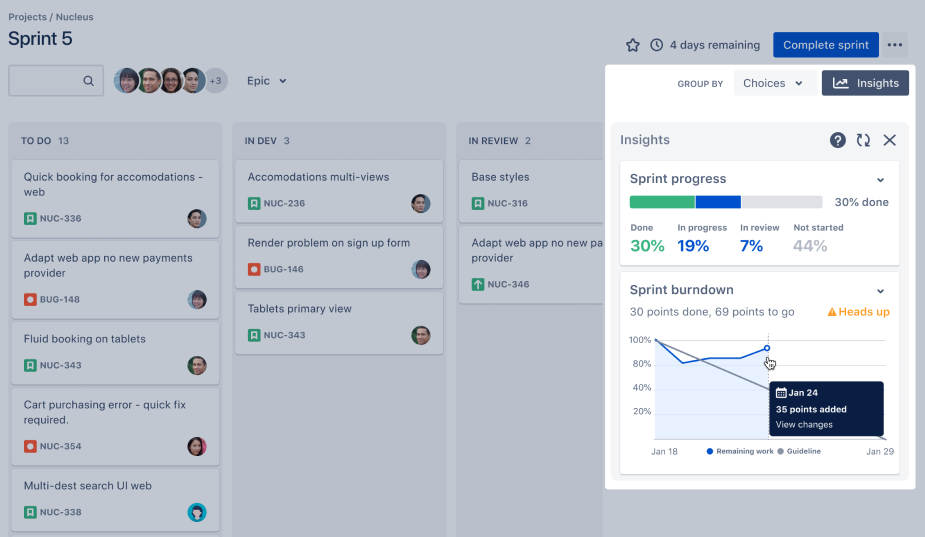
Decision-ready reporting
Every dashboard should answer a decision question. Use Jira filters, gadgets and marketplace extensions to combine live risk data into views for project teams and executives.
Where are current risks concentrated across the 5×5 matrix?
Which open items require steering-committee intervention now?
Is uncertainty clustering in design, ground, procurement or HSE?
What probability-weighted contingency is the portfolio carrying?
Which risks are stale, overdue or missing an accountable owner?
Which mitigation actions are overdue, blocked or reducing exposure?
Which forecast risks became issues, and what was the consequence?
Is total post-treatment exposure reducing across the project?
Named accountability
A department cannot watch a trigger or approve a response. Assign one accountable person while drawing analysis from the disciplines that understand the exposure.
A practical start
Start with one project, one calibrated matrix and a disciplined weekly review. Add quantitative complexity only after the team trusts the core record.
Measure whether treatments reduce residual risk, whether owners review on time and whether anticipated events are handled before they become expensive surprises.
This newsletter is an editorial adaptation of the supplied “Jira Risk Register – Detailed Use-Case Construction Risk Management” study. Scoring bands, review intervals, access controls and acceptance authorities should be calibrated to each organisation’s risk appetite, assurance framework and contracts.
Photography: Umut Karabulut / Pexels and Israel Torres / Pexels . Product interface image: Atlassian .
Jira and Atlassian are trademarks of Atlassian. This independent use-case study is not sponsored by, endorsed by or affiliated with Atlassian.
Practical ideas for connected customer journeys, digital systems and better work across APAC.